Built a macOS notch app that tracks LLM usage across seven AI providers, always visible, fully local.
Native macOS App · Developer Tools · Open Source


Problem
Every AI developer juggles 3-5 providers simultaneously, Claude for reasoning, OpenAI for APIs, Gemini for multimodal, Cursor and Codex for coding. But there's no single place to see what you're spending, where you're hitting rate limits, or which provider is eating your budget. Menu bar apps exist but they clutter an already-crowded bar. Opening a dashboard breaks your flow. The cost of not knowing adds up fast.
My call
The notch on MacBooks is wasted space, a dead zone every app ignores. I decided to use it as a persistent, always-visible usage strip. The key product constraint I set early: zero backend, zero telemetry, all credentials in the system Keychain. AI developers are privacy-conscious, they're not going to route their API keys through someone else's server. Local-first wasn't a feature, it was the price of entry.
The second call was multi-provider from day one rather than building for one API and adding others later. The value is the unified view.
What I shipped
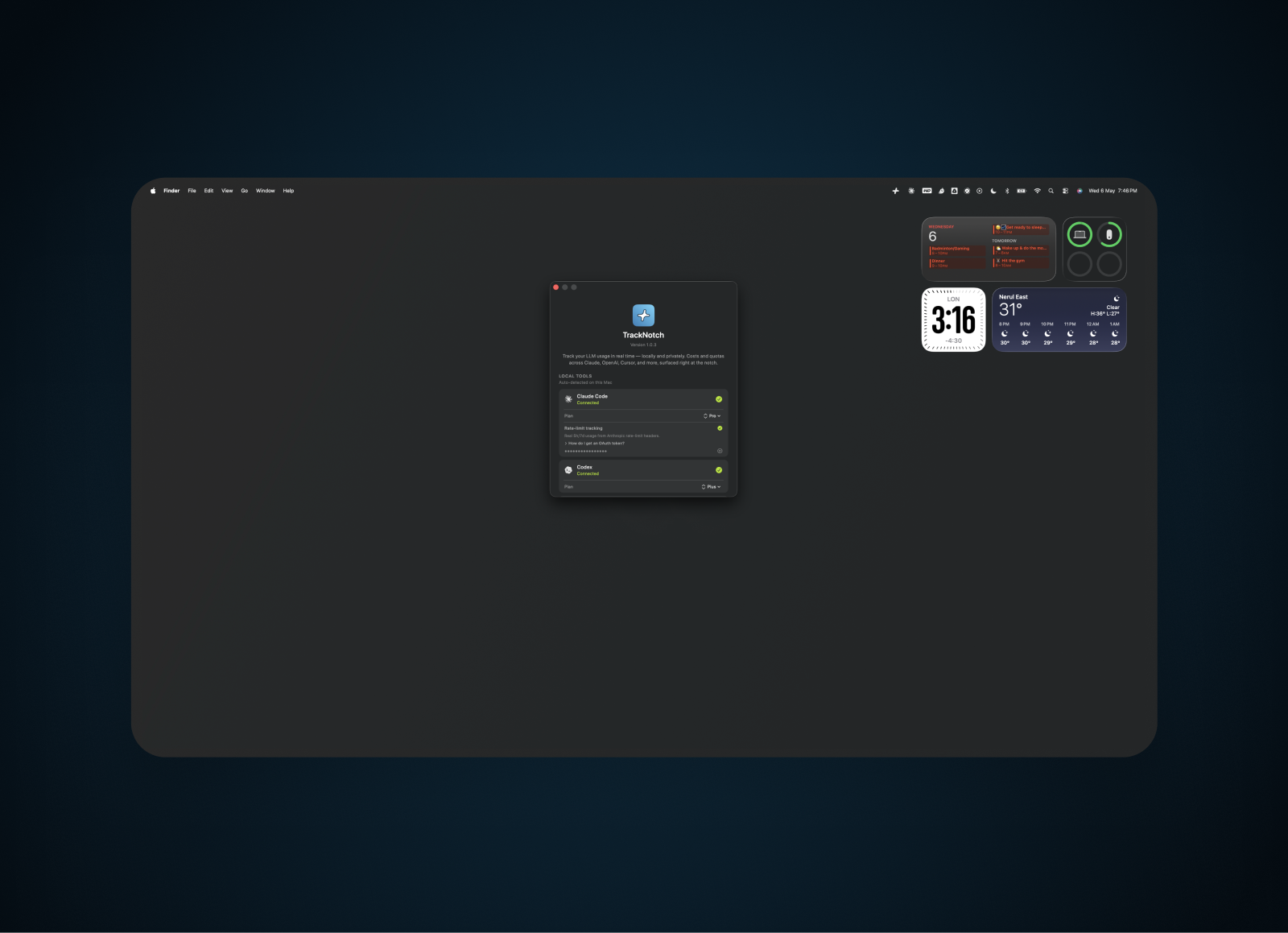
A native Swift macOS app that sits in the notch wings and displays live token usage, cost tracking, and rate-limit status for seven sources: Claude Code, Codex, Cursor, the Anthropic API, and OpenAI with full support, plus Antigravity and ChatGPT Desktop with partial support. Reads usage locally, no proxies, no interceptors. API credentials stored in macOS Keychain. Codex integration uses the real rate-limit API. Auto-update checker built in. Global ⌘Q quit, click-to-settings, dropdown with per-provider detail. Released as open-source on GitHub.
Outcome
v1.1.2 shipped and publicly released, after seven releases. Featured on Product Hunt on launch day with 93 upvotes and 18 comments. Open-source on GitHub with 34 stars. v1.1.2 came from dogfooding: on a heavy machine the Claude Code scan re-read a week of session logs every 3 seconds and let scans overlap, pinning CPU near 285%. I made the scan incremental, with a per-file byte offset cache so only new lines are parsed and a guard that skips a tick while the last scan is still running. Steady-state CPU with Claude active dropped to roughly zero. Solves a real daily problem for anyone using multiple AI providers, usage is visible at a glance without breaking flow. Built solo in Swift with no prior macOS native experience, shipping from zero to public release.
How I built it
Native Swift app using AppKit and SwiftUI for the notch-wing overlay. Keychain APIs for secure credential storage. Provider integrations: Claude Code (local session files, plus 5h/7d rate limits via OAuth headers), Anthropic API (org spend via admin key), OpenAI (spend via admin key), Cursor (local file monitoring), Codex (real rate-limit API), Antigravity and ChatGPT Desktop (local state, partial). Auto-update via GitHub releases API. Build pipeline: xcodebuild archive + DMG packaging. No third-party dependencies beyond system frameworks.
Got something to build?
Let's talk.
Actively looking for Product Manager roles in payments and agentic AI.